
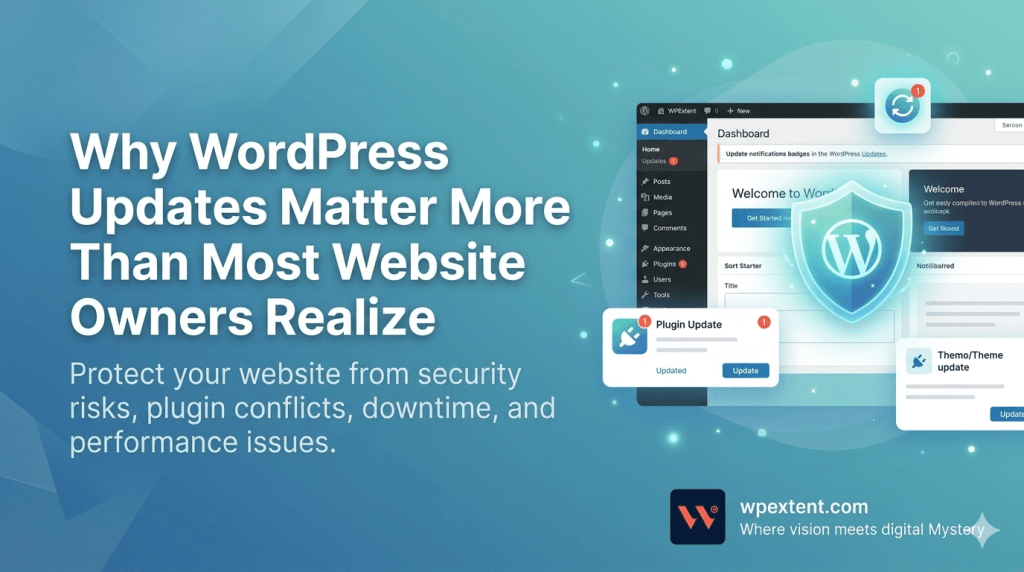
Most websites don’t crash overnight. They quietly fall apart while no one is watching.
For thousands of business owners, that slow collapse begins with a single ignored notification — the small red dot reminding them that WordPress updates are waiting. It feels harmless. A tiny task to handle “later.” But later often becomes never, and that’s exactly when the trouble starts.
Here’s the truth most beginners never hear: WordPress updates aren’t just about flashy new features. They’re about keeping your website alive, fast, secure, and trustworthy. From core upgrades to plugin patches and theme refreshes, every update plays a quiet but critical role in protecting your site from the very real threats that hit WordPress every single day.
In this guide, we’ll break down exactly why WordPress updates matter more than most owners realize, what really happens when you ignore them, and the simple habits that keep your site running smoothly for years.
What WordPress Updates Actually Mean
Before we talk risks and rewards, let’s clear up something many website owners get wrong. The word “update” isn’t one thing. In WordPress, it usually refers to three different layers — and each one has its own job.
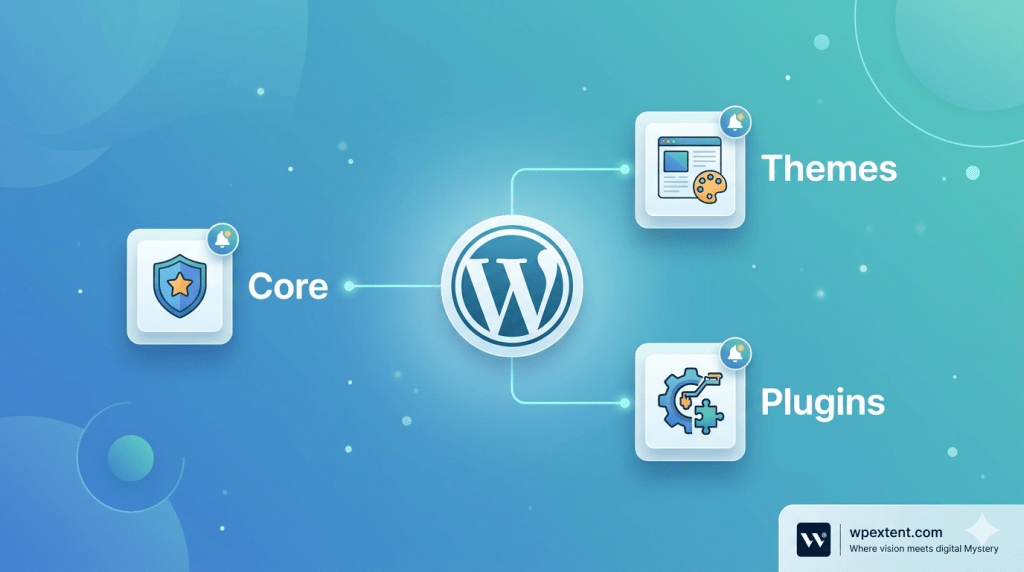
1. WordPress Core Updates
WordPress core is the engine of your website. It’s the software that powers everything from your dashboard to your post editor. WordPress core updates fix security holes, patch bugs, and keep your site compatible with the latest browsers, servers, and PHP versions.
Major updates introduce new features. Minor and security updates — the ones that arrive without fanfare — quietly fix the kind of vulnerabilities hackers love to exploit. Both matter. Skipping them is a bit like driving a car for years without ever changing the oil.
2. WordPress Theme Updates
Your theme controls how your website looks and feels. However, themes are also code — and code ages. WordPress theme updates typically include design refinements, performance improvements, accessibility fixes, and compatibility patches for newer versions of WordPress and PHP.
Moreover, themes from trusted developers receive timely updates whenever a security issue surfaces. Themes from forgotten or abandoned authors, on the other hand, slowly become liabilities.
3. WordPress Plugin Updates
Plugins add the muscle to your site — contact forms, SEO tools, page builders, eCommerce engines, backups, caching, and more. Most WordPress websites run between 15 and 30 plugins. As a result, plugin updates often arrive almost every week.
Some plugin updates patch security holes. Others improve performance or compatibility. A few introduce new features. Ignoring any of them — even one — can quietly turn a healthy site into a vulnerable one.
| Quick Insight In a typical WordPress installation, plugins are the #1 entry point for attackers. Most successful WordPress hacks don’t come from sophisticated cybercriminals — they come from a single outdated plugin that nobody bothered to update. |
Why So Many Owners Quietly Ignore WordPress Updates
If WordPress updates are so important, why do so many websites still run versions from a year — or three — ago? After managing hundreds of WordPress sites, we’ve noticed the same handful of reasons come up again and again.
- Fear of breaking something. Many owners have clicked “update” once, watched their homepage explode, and never tried again.
- Lack of technical confidence. The dashboard feels intimidating, especially when error messages start appearing.
- No time. Running a business is exhausting; site maintenance always slides to the bottom of the list.
- “It still works.” A site that loads fine today feels safe — until it isn’t.
- No backup plan. Without a recent backup, every update feels like a coin flip.
These reasons are completely understandable. However, none of them protect a website from what’s coming. Hackers, bots, and broken dependencies don’t pause because someone is busy.
The Hidden Risks of Skipping WordPress Updates
This is the part most articles glaze over. So let’s slow down and look at what really happens to a WordPress site when updates pile up untouched for months.
Security Vulnerabilities and Malware
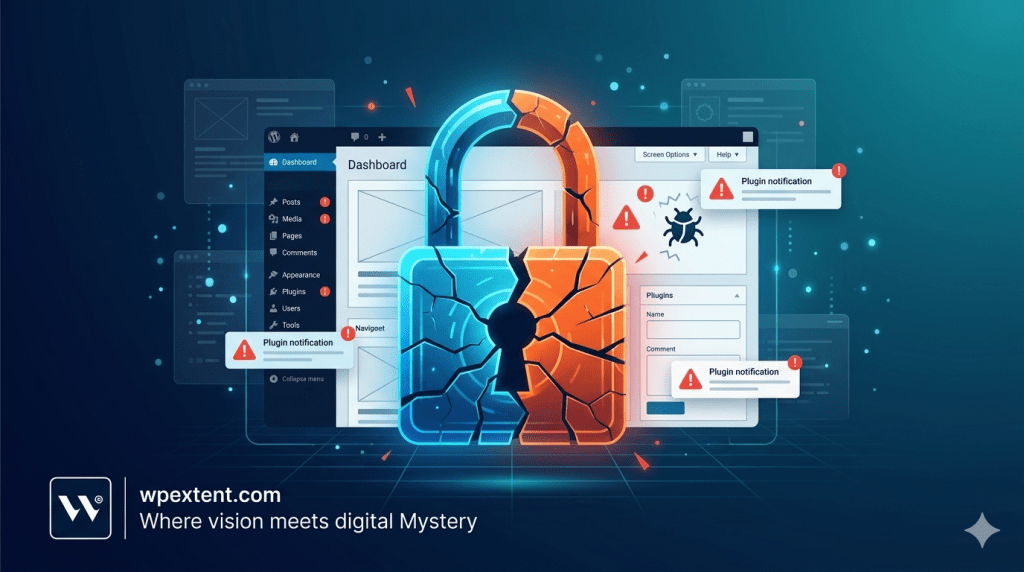
Every WordPress release notes — yes, every single one — quietly lists the security issues it fixes. The moment those notes go public, attackers know exactly which sites haven’t patched yet. Therefore, an outdated plugin or theme is essentially a published map showing hackers where to walk in.
Common consequences include malware injections, spam links inserted across your pages, fake admin accounts, redirect attacks that send visitors to shady websites, and even full database takeovers. We’ve seen healthy small-business websites quietly compromised for weeks before the owner noticed.
Plugin Conflicts and Sudden Downtime
WordPress is a delicate ecosystem. Core, themes, plugins, PHP, and your hosting environment all need to play nicely together. When one piece falls far behind, the others eventually break compatibility with it.
As a result, common symptoms include the dreaded white screen of death, broken checkout pages on WooCommerce stores, contact forms that silently stop sending emails, and dashboards that suddenly refuse to load. Ironically, the eventual “forced” update — done in panic — is often what finally crashes the site, because too many things changed at once.
SEO Damage and Lost Rankings
Google rewards fast, secure, accessible websites. Conversely, slow sites, sites flagged for malware, or sites returning errors lose rankings quickly. A compromised WordPress site can be deindexed from search results within days. Recovering those positions, on the other hand, can take months.
Performance Slowdowns
Older plugins and themes are often built for older PHP versions and older WordPress logic. They become heavier, slower, and clunkier with time. Moreover, an outdated caching or image-optimization plugin can quietly inflate your page weight, drag down Core Web Vitals, and hurt conversions without anyone realizing why.
Data Loss and Backup Failures
Here’s the part nobody likes to talk about: many website owners only discover their backups were broken after they urgently need them. Old backup plugins quietly stop working when WordPress updates the underlying APIs. Furthermore, untested backups give a false sense of safety. If a site gets hacked and there’s no clean backup, full recovery can take days — or simply isn’t possible at all.
| Real-World Example We once onboarded a client whose WooCommerce store had been running for two years without a single update. Within seven days of taking over, we found three known plugin vulnerabilities, a hidden admin user, an unmonitored PHP error log full of warnings, and a backup plugin that hadn’t actually saved a complete backup in 14 months. The owner had no idea any of it was happening. |
The Real Benefits of Staying Current with WordPress Updates
Now flip the coin. When a site is consistently maintained, the benefits stack up in ways most owners don’t fully appreciate until they experience them.
- Stronger security. Regular updates close known vulnerabilities before attackers can use them.
- Better speed. New versions of WordPress, themes, and plugins ship with performance improvements almost every release.
- Compatibility across the stack. Updated software stays aligned with the latest PHP versions and modern browsers.
- Improved user experience. Newer themes and plugins generally offer cleaner interfaces, better mobile responsiveness, and stronger accessibility.
- SEO advantages. Faster, more secure, error-free sites consistently rank better and convert better.
- Peace of mind. You stop dreading the WordPress admin bar and start trusting your own website again.
In short, WordPress updates aren’t a chore. They’re an investment in everything your website already does for your business.
Best Practices for Safe WordPress Updates
Updates only feel scary when there’s no system around them. With a few simple habits, the entire process becomes calm, predictable, and even boring — which is exactly what good website maintenance should be.
1. Always Back Up First
Before any update — core, theme, or plugin — take a fresh, complete backup of your files and database. Furthermore, store it somewhere off-site, not just on the same server. If anything goes wrong, you can roll back in minutes instead of panicking for hours.

2. Use a Staging Environment
A staging site is a private copy of your live website where updates can be tested safely. As a result, you can run plugin updates, theme updates, and core upgrades on staging first, click through the important pages, and only push to live once everything looks right. Most quality hosts include one-click staging.
3. Update in the Right Order
When several updates are waiting, sequence matters. Start with the WordPress core update, then themes, then plugins. Additionally, update plugins one at a time when possible — that way, if something breaks, you instantly know which one caused it.
4. Audit Your Plugins Regularly
Plugin bloat is real. Many sites carry plugins they no longer use, plugins that have been abandoned by their developers, and plugins that overlap in functionality. Therefore, a quarterly plugin audit is one of the highest-impact maintenance habits a WordPress owner can build.
5. Watch Your PHP Version
Outdated PHP versions are one of the most overlooked security gaps in WordPress. Moreover, a modern, supported PHP version (paired with current plugins and themes) can significantly improve both security and performance.
6. Use Only Trusted Themes and Plugins
Nulled or pirated WordPress plugins are essentially malware delivery systems. Even free plugins from unverified sources can carry hidden backdoors. Stick to reputable marketplaces, well-reviewed developers, and tools with a recent update history.
| Pro Tip If a plugin hasn’t been updated in over a year, treat it as a warning sign — not a feature. Abandoned plugins are one of the most common sources of WordPress security incidents. |
Why Professional WordPress Maintenance Matters
For many business owners, the issue isn’t that updates are difficult — it’s that they’re relentless. Plugins push patches weekly. Core releases arrive every few months. Themes shift quietly in the background. Meanwhile, you’re trying to run a business, not babysit a CMS.

That’s where ongoing professional WordPress maintenance changes the entire equation. Instead of reacting to problems after they happen, the right team is watching your site every single day — checking plugin updates, monitoring uptime, scanning for vulnerabilities, verifying backups, optimizing performance, and handling fixes before they become emergencies.
At WPExtent, we manage WordPress maintenance for businesses that want their websites to simply work — securely, quietly, and reliably in the background. Our team handles WordPress core updates, theme updates, plugin updates, security monitoring, backups, performance tuning, and technical support, so site owners can stop worrying about what might break next and get back to running their business.
Ultimately, the goal isn’t just to keep your site online. The goal is to keep it trusted, fast, and ready for the visitors and customers who depend on it.
Frequently Asked Questions About WordPress Updates
How often should I update my WordPress website?
Ideally, check for WordPress updates at least once a week. Security patches and critical plugin updates should be applied as soon as they appear. Major core updates can be scheduled, but they shouldn’t be delayed for months.
Can outdated plugins really get my website hacked?
Yes, and it’s one of the most common ways WordPress sites get compromised. Once a vulnerability is publicly disclosed, automated bots actively scan the web for sites still running the affected version. Outdated plugins are essentially open invitations.
Are automatic WordPress updates safe?
Automatic updates for minor core releases and security patches are generally safe and recommended. However, automatic updates for major releases, themes, and complex plugins can occasionally break a site — which is why staging tests and backups still matter.
What happens if I ignore plugin updates for a long time?
Several things tend to happen together: rising security risk, slower performance, growing compatibility gaps, broken features after a forced update, and an increased chance of full site failure. The longer updates pile up, the harder and riskier the eventual cleanup becomes.
Should I update WordPress manually or automatically?
A hybrid approach usually works best. Let security patches install automatically, and handle major updates, theme updates, and plugin updates manually after a backup and a quick staging test. Professional maintenance teams typically do exactly this.
Why does my site break every time I update something?
Frequent breakage almost always points to deeper issues: poorly coded plugins, an outdated theme, an unsupported PHP version, or plugins that haven’t been updated in years. Once those underlying issues are cleaned up, updates stop feeling risky.
Do WordPress updates affect SEO?
Indirectly, yes. Updates protect your site from malware, downtime, slow loading, and broken pages — all factors that influence rankings. A well-maintained WordPress site almost always performs better in search results than a neglected one.
Is website maintenance really worth paying for?
If your website generates leads, sales, or trust for your business, then yes. The cost of a single hack, lost ranking, or extended downtime almost always exceeds the cost of ongoing maintenance. It’s the kind of investment owners only fully appreciate after they’ve seen what neglect looks like.
What does a typical WordPress maintenance service include?
Most reputable services cover regular core, theme, and plugin updates, daily or weekly backups, uptime monitoring, security scans, malware removal, performance checks, and technical support. WPExtent, for example, packages all of these into ongoing care so owners can step away from the technical side completely.
Final Thoughts: Small Updates, Big Consequences
Most WordPress problems don’t announce themselves. They build slowly — one ignored update at a time — until a site that once felt safe suddenly isn’t. The owners who avoid those problems aren’t lucky. They simply made WordPress updates a small, consistent habit instead of a crisis.
Whether you handle that habit yourself with backups and a staging environment, or you hand the entire process to a trusted maintenance partner, the principle is the same: stay current, stay protected, stay trusted.
If you’d rather not think about WordPress updates at all, that’s exactly what WPExtent is built for. Our team quietly looks after the technical side of your WordPress website — updates, security, backups, performance, and support — so your site keeps working hard while you focus on the work that actually grows your business.
Visit wpextent.com to learn how ongoing WordPress maintenance can give you back your time, your peace of mind, and a website you can finally trust.
Follow WPExtent for More Insights
Get practical WooCommerce tips, conversion strategies, and real-world insights to grow your online business.
We Are Available On:
Instagram:
https://www.instagram.com/thewpextent
Twitter (X):
https://x.com/TheWPExtent
Reddit:
https://www.reddit.com/user/WPExtent/



Leave a Reply