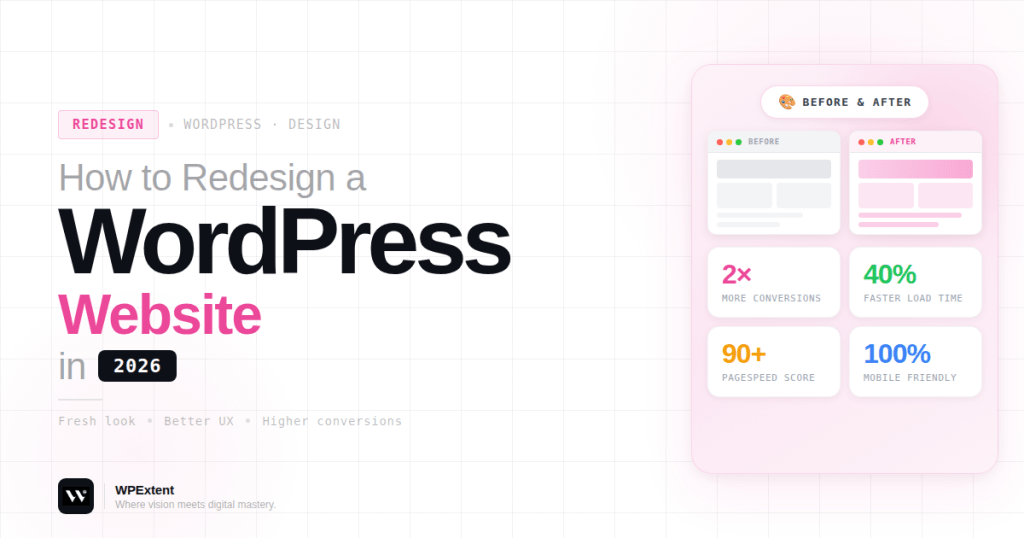
Your website is one of your most valuable digital assets. But as trends evolve and user expectations grow, even a well-built website can become outdated, slow, or ineffective.
If your website no longer reflects your brand, struggles to generate leads, or performs poorly in search results, it’s time for a redesign.
The good news? You don’t need to be an expert to get started.
In this beginner-friendly guide, you’ll learn how to redesign a WordPress website step by step—without losing your SEO rankings or breaking your site. Whether you’re a business owner, freelancer, or startup, this guide will help you create a modern, fast, and high-converting website.
What Is a WordPress Website Redesign?
A WordPress website redesign is the process of improving your site’s design, structure, functionality, and performance.
It goes beyond just changing the look. A proper redesign focuses on:
- Better user experience (UX)
- Improved site speed
- Stronger SEO structure
- Mobile responsiveness
- Higher conversion rates
The goal is to make your website more effective for both users and search engines.
When Should You Redesign Your Website?
Not sure if your site needs a redesign? Here are some common signs:
- Your design looks outdated
- Your website loads slowly
- It’s not mobile-friendly
- You’re not getting enough leads or sales
- High bounce rate
- Difficult to update or manage content
- Poor SEO performance
If you’re facing any of these issues, a redesign can significantly improve your results.
Step 1: Set Clear Goals
Before starting your redesign, define your objectives.
Ask yourself:
- Do you want more leads or sales?
- Are you trying to improve branding?
- Do you want better SEO rankings?
- Are you focusing on user experience?
Clear goals will guide your entire redesign process.
For example:
- A service business may focus on lead generation
- A blog may prioritize content readability
- An online store may focus on conversion optimization
Step 2: Audit Your Current Website
Analyze your existing website before making changes.
Look at:
- Top-performing pages
- Traffic sources
- Conversion rates
- Bounce rates
- Keyword rankings
Identify what works well and what needs improvement.
You can keep high-performing content while improving weak areas. This helps preserve SEO value during the redesign.
Step 3: Backup Your Website
Before making any changes, always create a full backup.
Your backup should include:
- Website files
- Database
- Images and media
This ensures you can restore your site if anything goes wrong.
Skipping this step can lead to serious data loss.
Step 4: Choose the Right Design Approach
There are two main approaches to redesigning your WordPress website.
Use a New Theme
Switching to a modern theme is the easiest option.
Benefits include:
- Faster setup
- Pre-built layouts
- Beginner-friendly customization
Go for Custom Design
If you want a unique and professional look, custom design is the better option.
Benefits include:
- Fully customized branding
- Better user experience
- More flexibility and scalability
A professional agency like WebExtent can help you create a fully customized website tailored to your business needs. You can explore their services here: https://wpextent.com/
Step 5: Improve Website Structure
Your website structure plays a key role in usability and SEO.
Focus on:
- Clear navigation menus
- Logical page hierarchy
- Easy-to-find information
Important pages should include:
- Home
- About
- Services
- Blog
- Contact
A well-structured website improves both user experience and search engine indexing.
Step 6: Optimize for Mobile Devices
Mobile users now dominate web traffic.
Your redesigned website must be:
- Fully responsive
- Easy to navigate on mobile
- Fast-loading on all devices
Google also prioritizes mobile-friendly websites in search rankings.
Step 7: Improve Website Speed
Speed directly affects user experience and SEO.
To improve performance:
- Optimize images
- Use caching plugins
- Minimize unnecessary scripts
- Choose reliable hosting
A fast website keeps visitors engaged and improves conversions.
Step 8: Update Content and SEO
A redesign is the perfect opportunity to improve your content.
Focus on:
- Updating outdated information
- Adding relevant keywords
- Improving readability
- Optimizing headings (H1, H2, H3)
- Writing better meta titles and descriptions
You can also strengthen internal linking using anchor phrases like:
- Learn more about our SEO services
- Explore our website development solutions
- Discover our design process
This helps boost your SEO performance.
Step 9: Test Your Website Before Launch
Testing is essential before going live.
Check:
- All pages and links
- Forms and buttons
- Mobile responsiveness
- Page speed
- Browser compatibility
Fix all issues before launching your redesigned website.
Step 10: Launch and Monitor Performance
Once everything is ready, launch your website.
After launch:
- Monitor traffic
- Track SEO rankings
- Analyze user behavior
- Fix any issues quickly
Continuous monitoring ensures long-term success.
Common Mistakes to Avoid
Avoid these mistakes during your redesign:
- Not backing up your site
- Ignoring SEO structure
- Changing URLs without redirects
- Using too many plugins
- Focusing only on design, not performance
Avoiding these errors helps protect your rankings and user experience.
DIY vs Hiring a Professional Agency
DIY Approach
Pros:
- Lower cost
- Full control
Cons:
- Time-consuming
- Limited expertise
- Higher risk of mistakes
Hiring a Professional Agency
Pros:
- Expert design and development
- SEO optimization
- Better performance
- Faster results
An all-in-one agency like WebExtent offers services including:
- Website redesign and development
- SEO optimization
- Lead generation
- Graphic design
- Logo design
- Full digital marketing solutions
Visit: https://wpextent.com/
This ensures your website is optimized for performance, growth, and conversions.
Why Choose an All-in-One Digital Agency?
Redesigning a website requires multiple skills.
A full-service agency provides everything in one place:
- Web design and development
- SEO and content optimization
- Lead generation strategies
- Branding and graphic design
- Marketing support
This integrated approach ensures your website works as a complete business tool.
Conclusion
Redesigning your WordPress website is one of the most effective ways to improve your online presence.
It helps you:
- Modernize your design
- Improve performance
- Boost SEO rankings
- Increase conversions
By following this beginner’s guide, you can redesign your website step by step with confidence.
If you want faster and more professional results, working with an experienced agency like WebExtent ensures your website is built for long-term success.
In today’s competitive digital world, a high-performing website is not optional—it’s essential.


Leave a Reply