

Its really important to know how to choose best WordPress Theme. For beginners, it becomes really hard to choose best WordPress Theme.
So Ill share 5 effective tips and tricks which you should follow while selecting a WordPress Theme. If you follow these rules then I can surely say that you can select a best Free or paid Theme for your WordPress site.
First of all, I would like to inform those who are thinking that why we should be careful about selecting a Theme. So here is the best answer for them.
If you search for a “Best Free WordPress Theme” then you will see tons of Theme will appear in Google search result. So there are many WordPress Themes ( free or paid ), where you can find many options to manage your content or site layout etc. But you don’t usually see the code of the Theme. Because you’re not may be familiar with coding. So if a developer develops a WordPress Theme without optimizing codes, then it’ll perform very slow. A theme without optimization of codes cant really give you the best result.
Even by the terms of Google, your site performance should be under 2-3 sec! Yeah, that’s true.
And there are many reasons like that which make sense to select a good Theme for your site. So let’s take a look at the steps we need to follow to choose best WordPress Theme for our WordPress site.
Note: if youre thinking to choose best free Theme. Then you can check my article for best free WordPress Theme ( 2018 )
1. Clean And Simple

So whenever you would like to choose best theme for your site. You need to see whether the Theme is simple or not. Because it’s really important to be very simple and clean. Because of using a Theme with lots of functionality cant give you good benefit. If a Theme doesn’t bring you the benefit that doesnt make sense to choose that theme for your site.
So you have to ensure that, the Theme is very clean and simple. If you are a blogger and search for a blog Theme then be sure that the typography of the theme is clean or not.
2. Cross-Browser Compatibility

If you would like to get a Theme which supports in every major browser such as chrome, Mozilla, safari etc. That means the Theme is a cross-browser supported Theme. So to check it. You can read the description of the Theme. If it supports then it’ll definitely be included in the description. Or if not then you can check it manually like you can open a browser and check it behaves in every browser same or not.
3. Responsive
Don’t ever think that, responsive is not important. Responsive is must for any Theme or Template. So make sure that your site is fully responsive.
How to check if your theme is mobile friendly or not to choose best WordPress Theme.
Here is the solution for that.
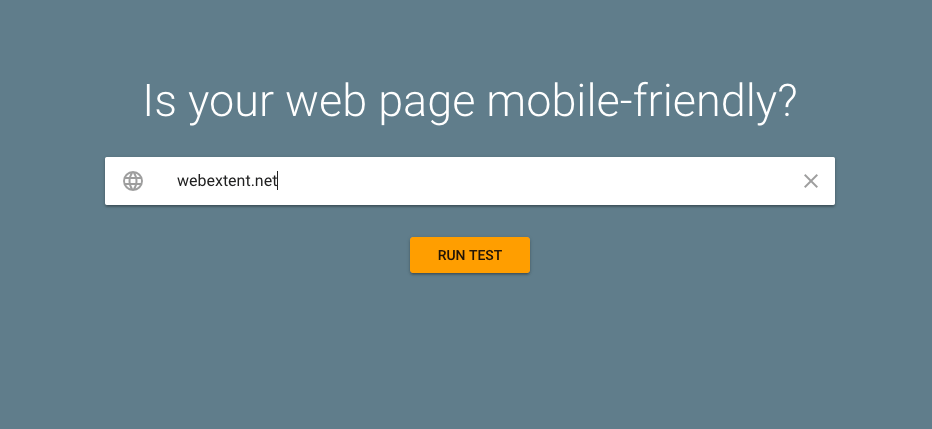
First of all, you need to go to google mobile-friendly testing tool.
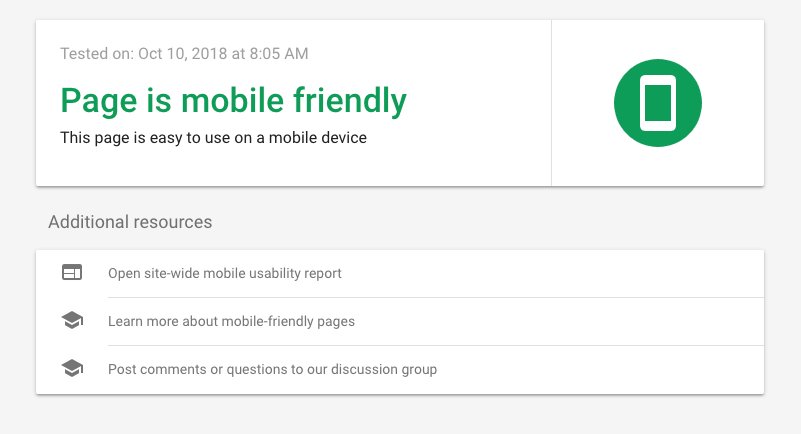
Then you will be asked for your site URL. So all you need to do is putting your site’s theme preview URL in the input field. And then click on run test If the Theme is mobile friendly then itll show Page is mobile friendly. Ive attached a testing result of mine below. So you can look at them too.
4. SEO Friendly
Most importantly it needs to check while choosing best WordPress Theme whether it is SEO friendly or not. So how youll know that.
You should read the description of the Theme carefully. And if it is SEO friendly, it will be included in it’s description.
5. Drag And Drop Page Builder ( optional )
Actually, its better to choose the one that has a great page builder. But having a page builder in a Theme can affect your page speed badly.
So its important to know whats page builder is included in that Theme.
Ive written an article for some best WordPress page builders, so you can check this out too.



Leave a Reply